v0.1.0First release, free and open source

Synced lyrics for your whole library.

Lavender downloads .lrc lyrics for every track you own, all at once, from LRCLIB online or from your own offline copy of its database. It finds more matches, picks the best upload when there are several, and won't give up halfway through a big library.

Windows, macOS and Linux · Homebrew on macOS · MIT licensed · Built on LRCGET

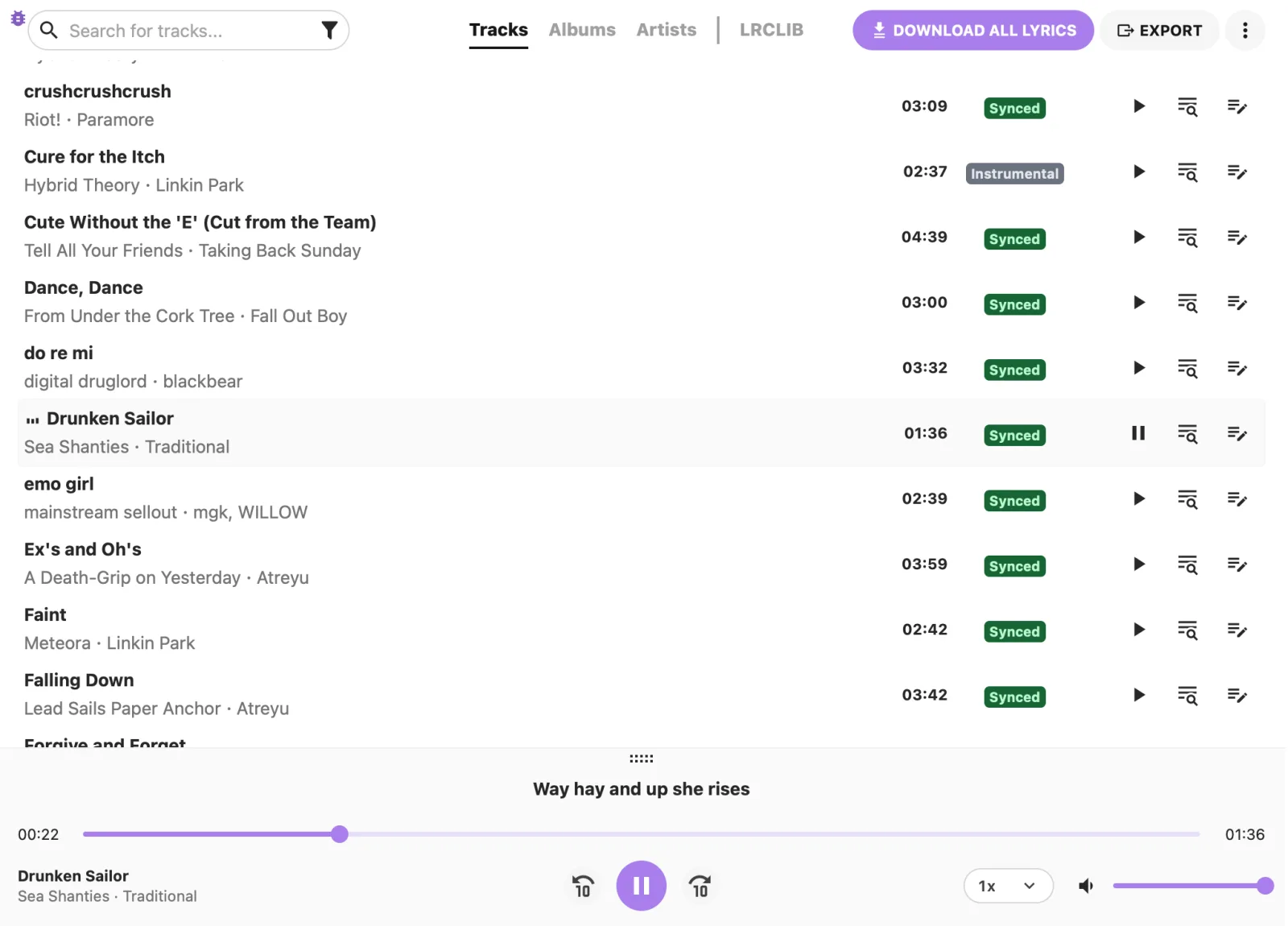
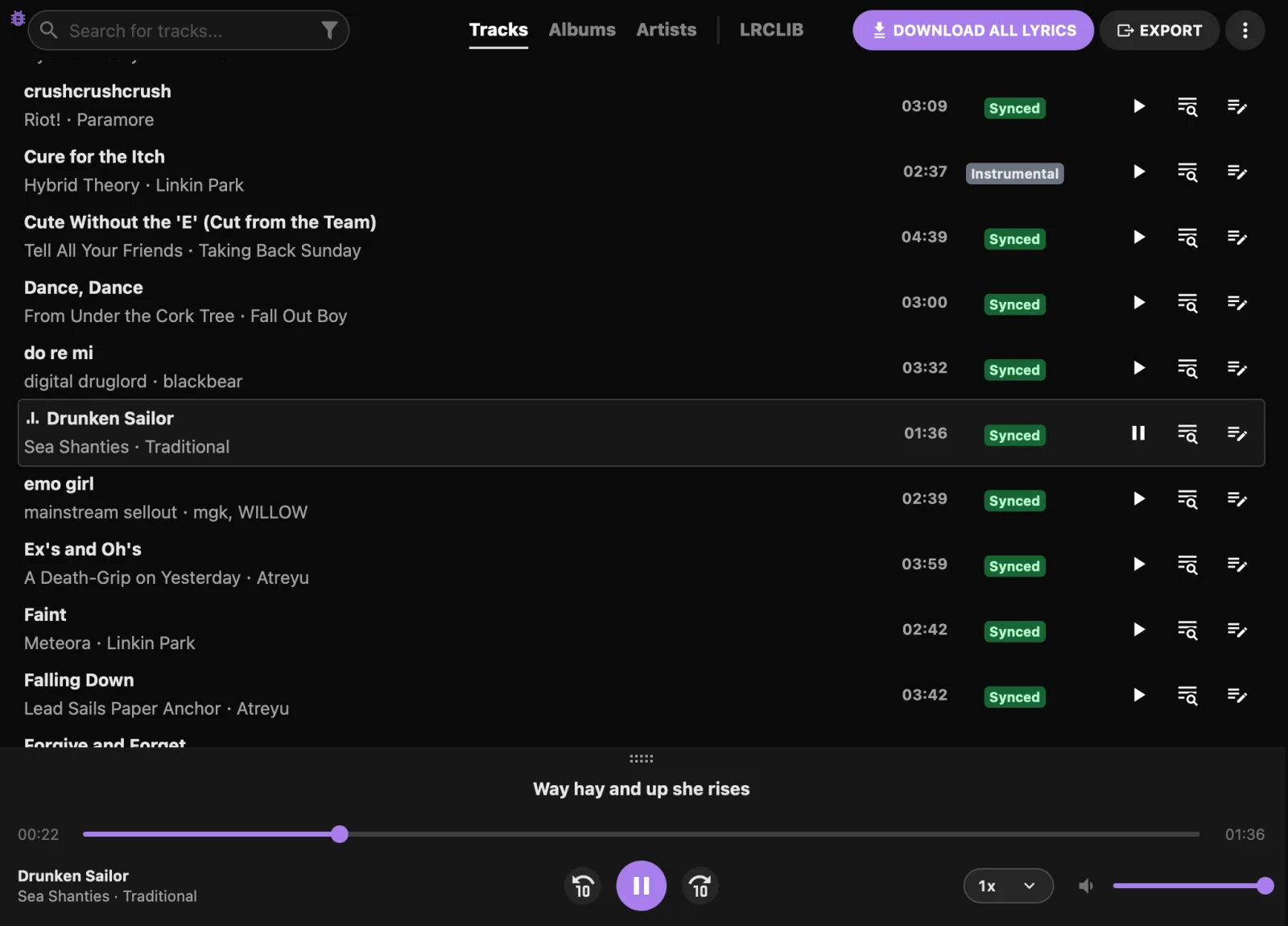
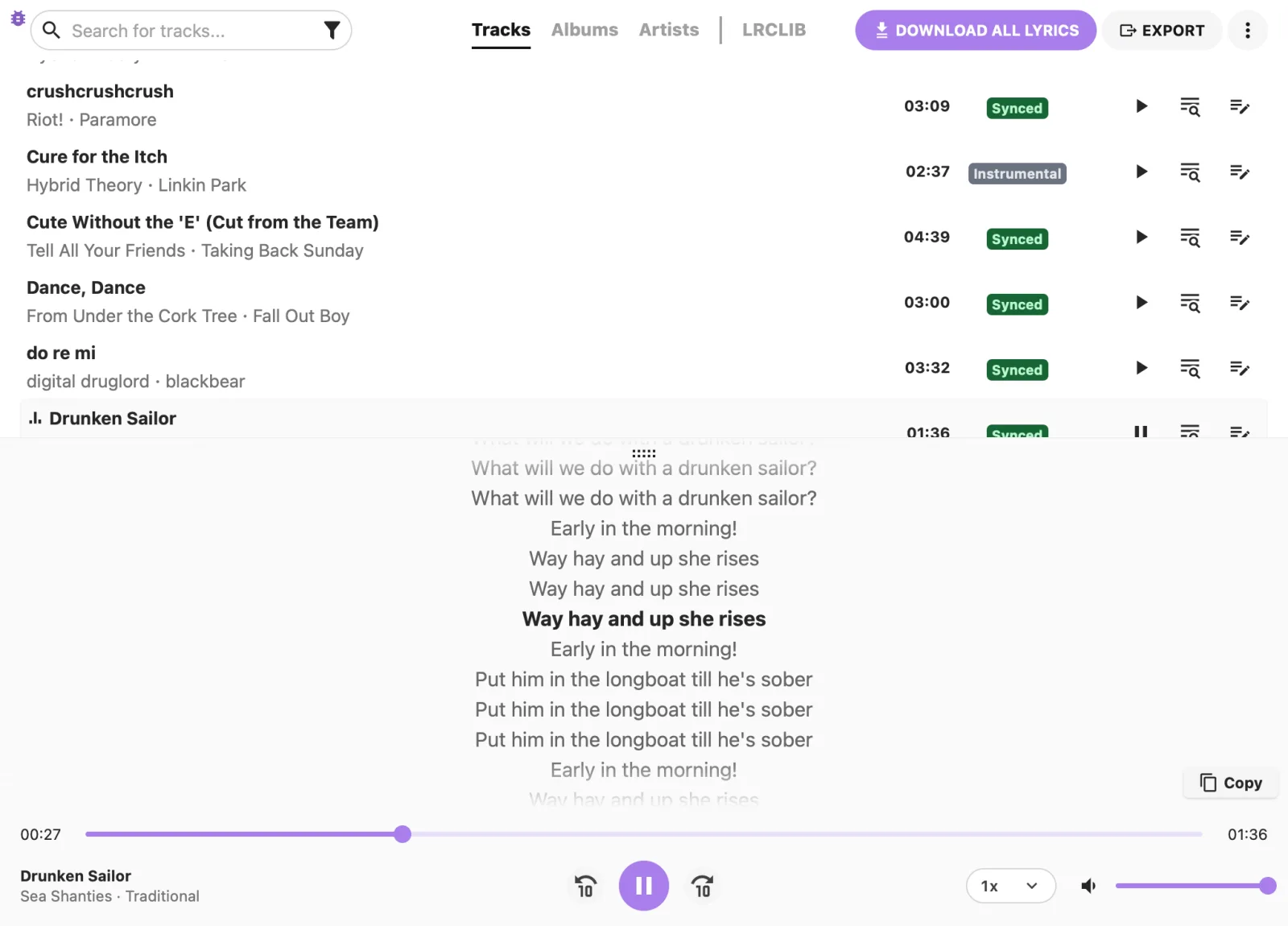
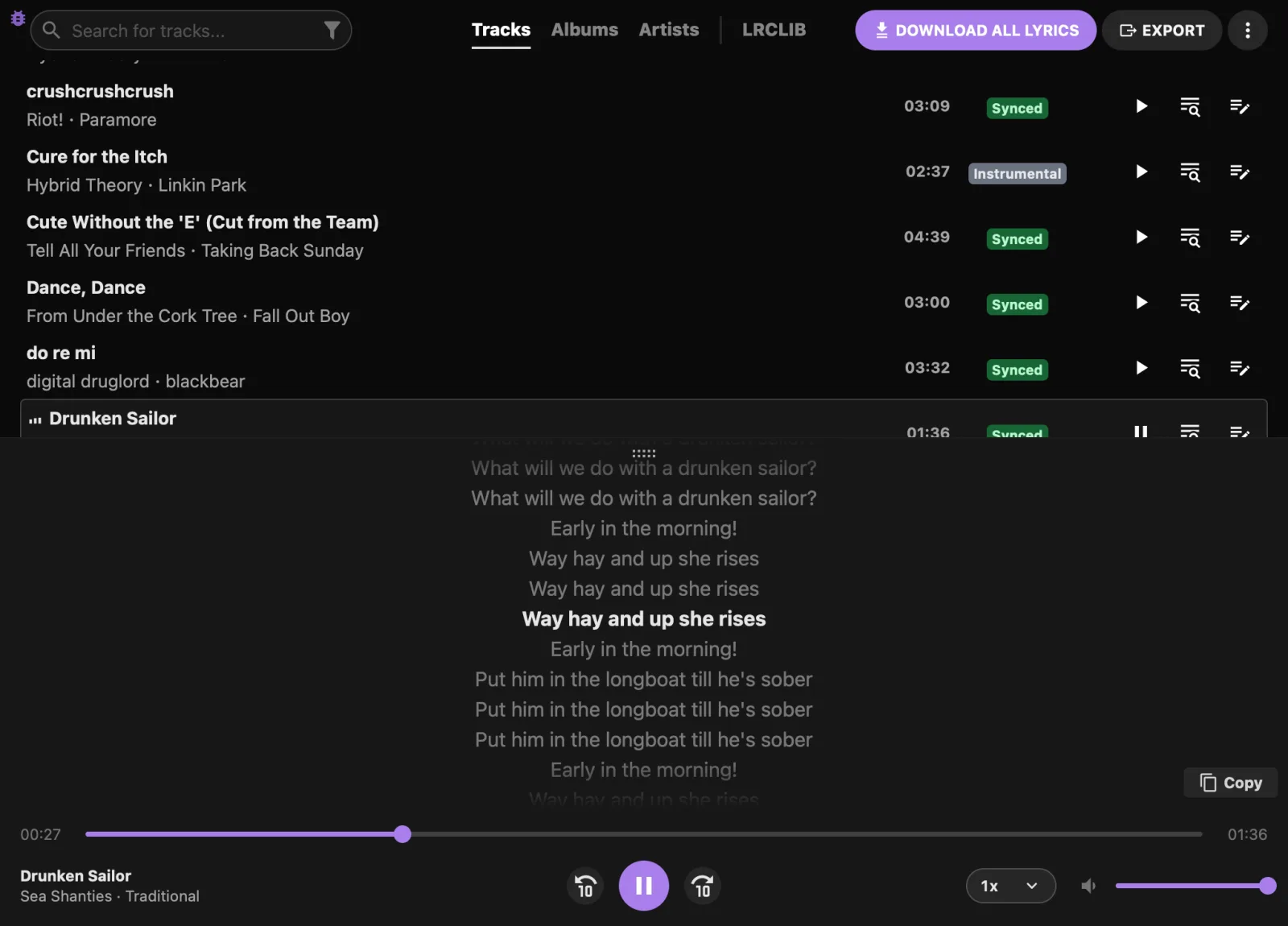
Lavender's track list, every song marked Synced or Instrumental, with Drunken Sailor playing and its current lyric line shown above the player.Lavender's track list, every song marked Synced or Instrumental, with Drunken Sailor playing and its current lyric line shown above the player.
Why Lavender

Everything LRCGET does, and a lot more.

Lavender started as a fork of LRCGET, and out of the box it looks up lyrics exactly the way LRCGET does. The local database and everything else are there when you want them.

Look up offline

Use your own copy of the LRCLIB database instead of one web request per track.

Find more lyrics

Small differences in your tags no longer cost you a match, and optional extra sources fill in what LRCLIB is missing.

Get better lyrics

Picks the best of several uploads and upgrades plain lyrics to synced, and synced to word-synced.

Big libraries welcome

Pause and resume, even after a restart or a dropped connection. Later runs skip tracks that were already checked.

Same 57 tracks

From 52 found to all 57.

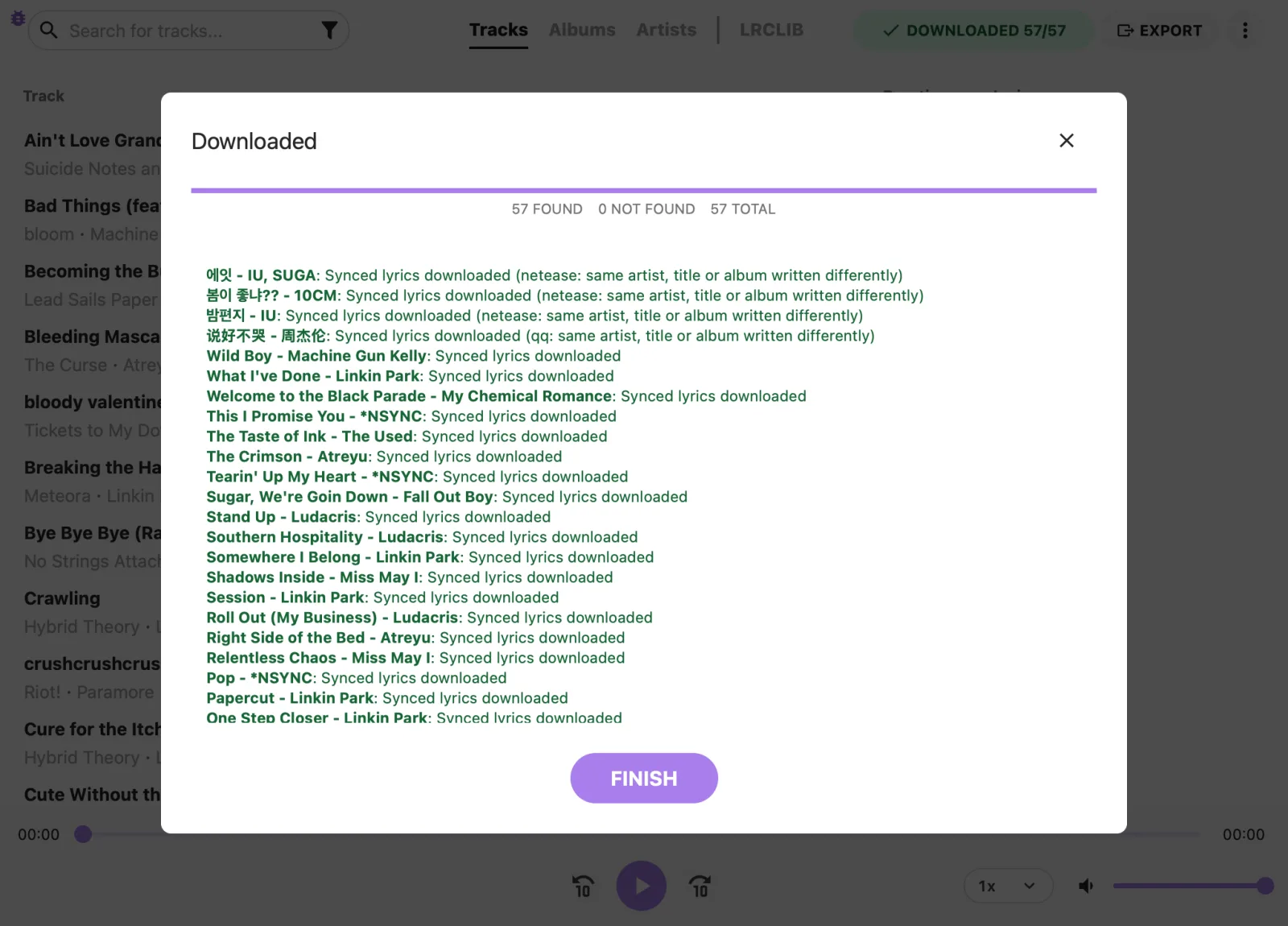
LRCLIB had nothing for five of these songs. Turn on NetEase Cloud Music and QQ Music, and Lavender asks them about just those five.

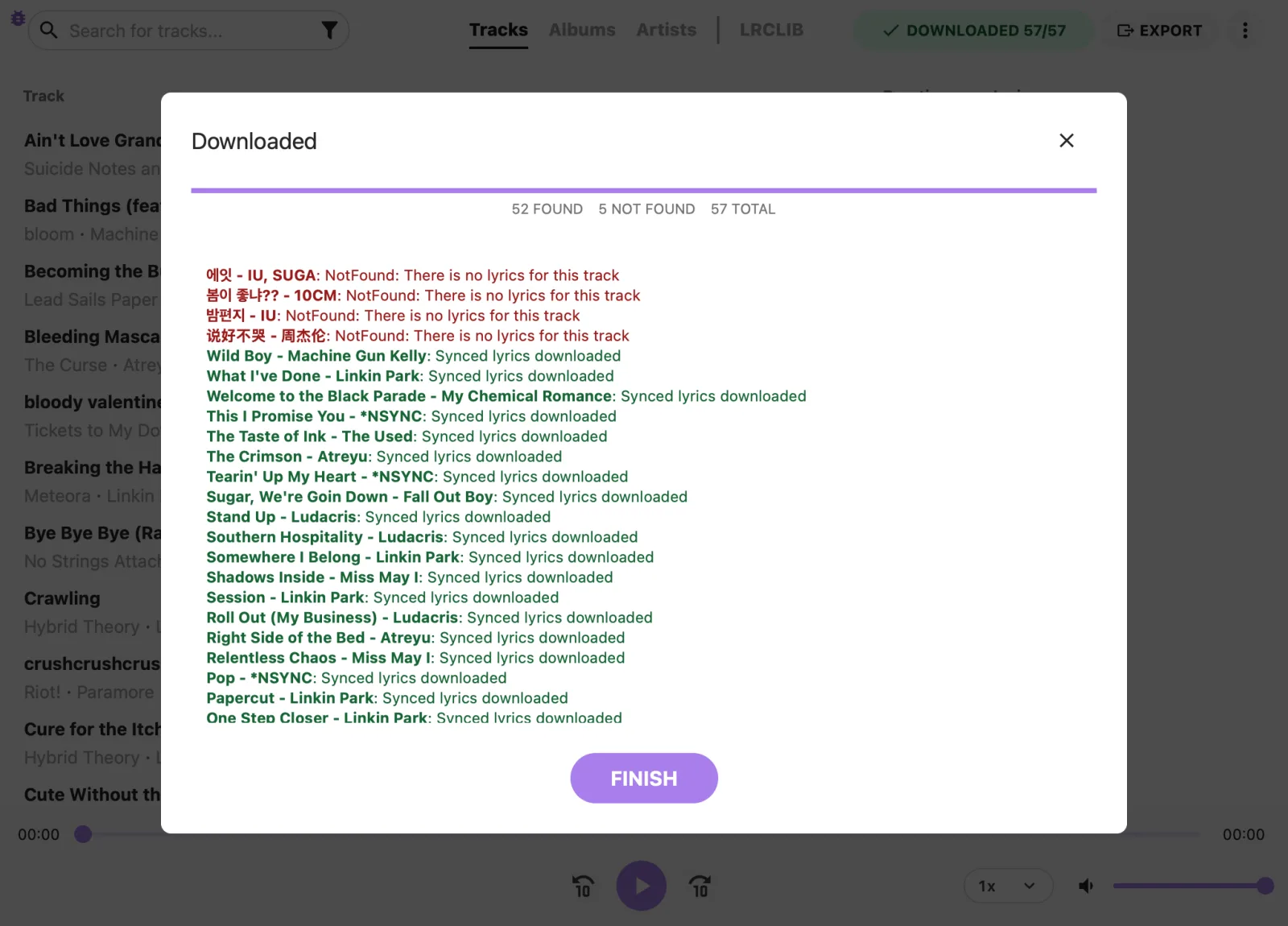
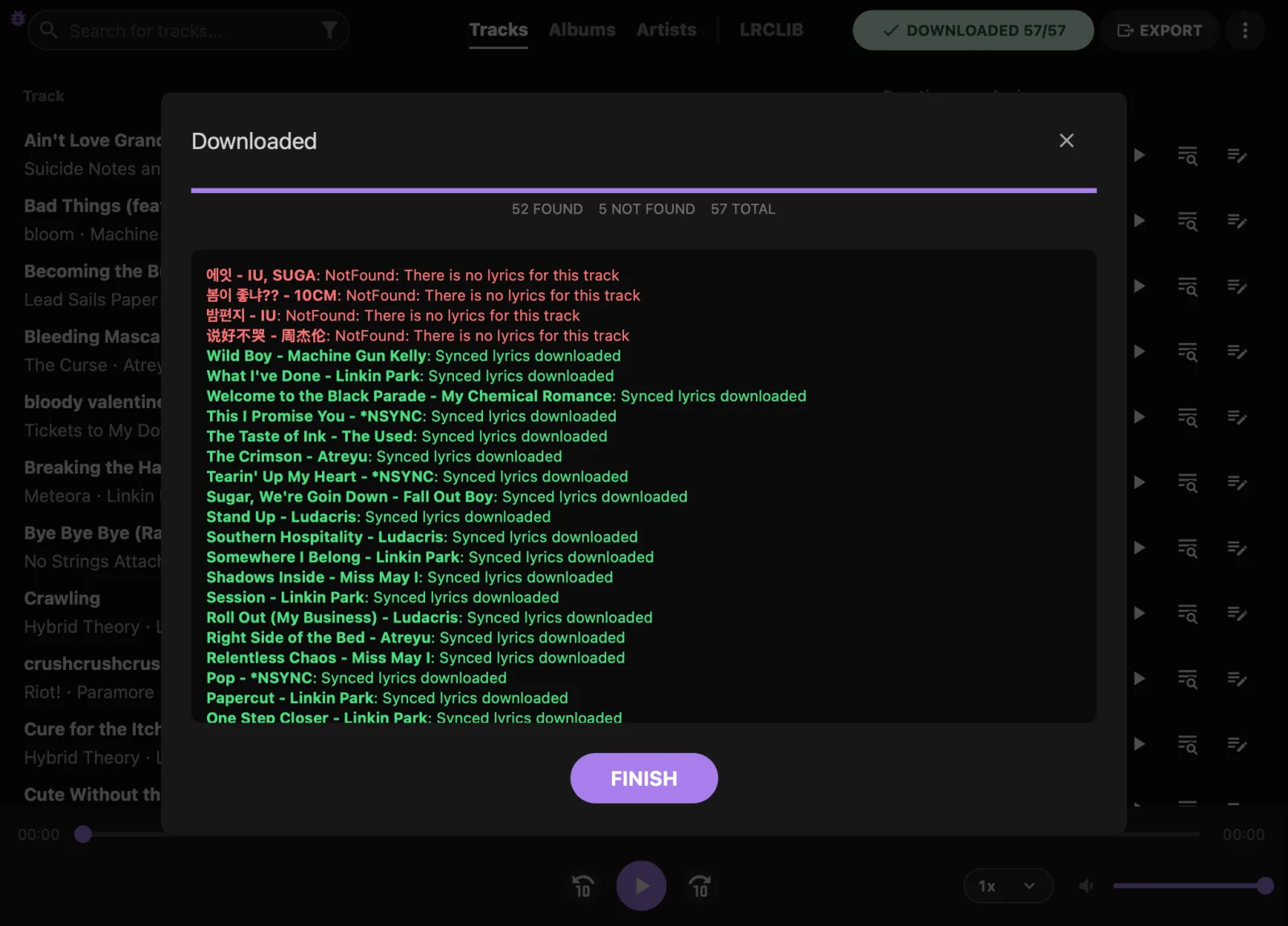
Download log using LRCLIB only: 52 found, 5 not found, 57 total.Download log using LRCLIB only: 52 found, 5 not found, 57 total.
LRCLIB alone: 52 of 57The same result LRCGET gets. The misses are songs LRCLIB doesn't have.
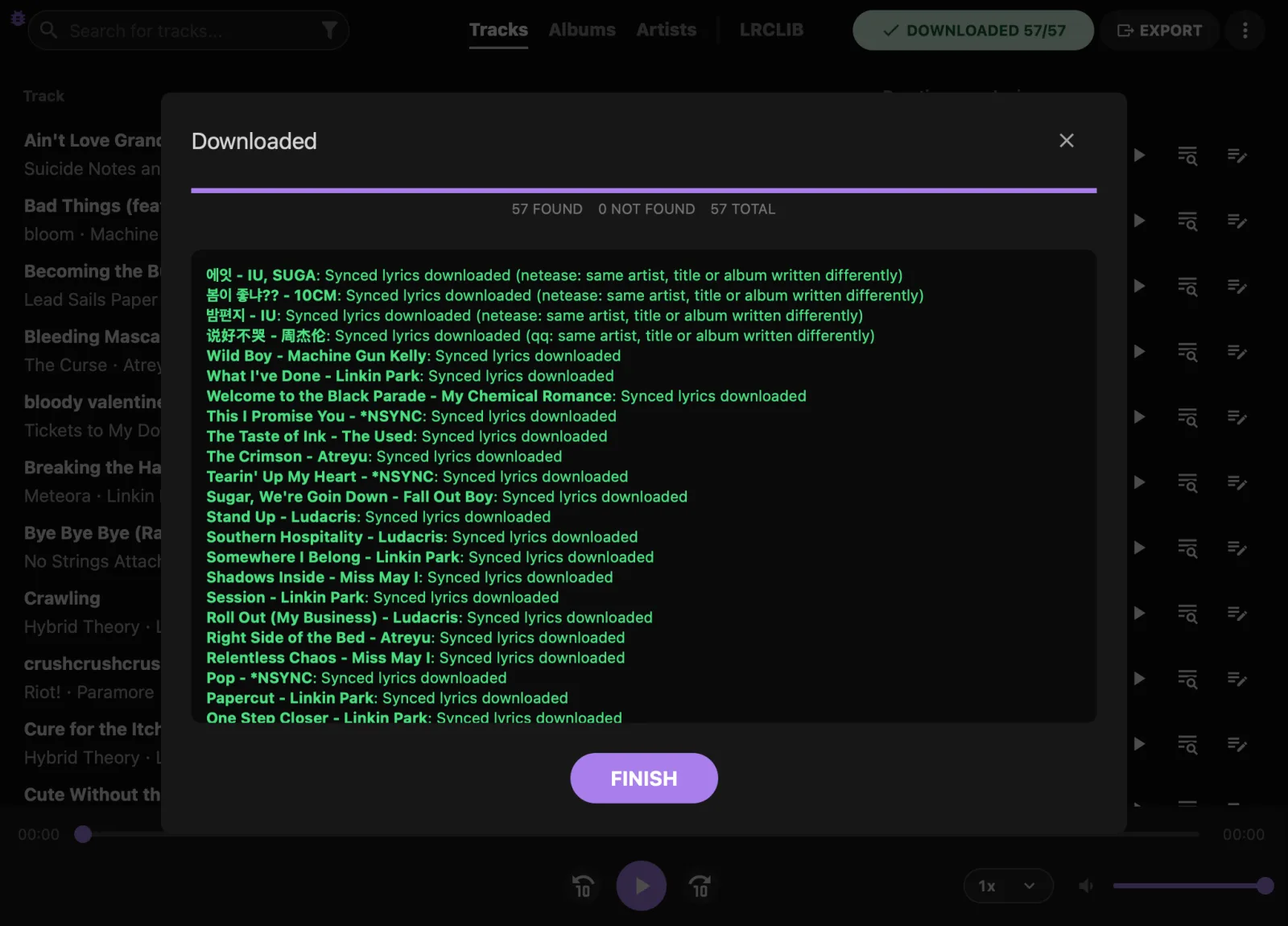
Download log with extra sources: 57 found, 0 not found. Korean and Chinese tracks were matched through NetEase and QQ Music.Download log with extra sources: 57 found, 0 not found. Korean and Chinese tracks were matched through NetEase and QQ Music.
With extra sources: 57 of 57The log shows where each match came from and how it was matched.
What Lavender adds

Made for people who own their music.

A local LRCLIB database

Point Lavender at a copy of the LRCLIB dump and every lookup runs against your own disk: mass downloads, Search Lyrics and My LRCLIB.

8parallel connections
Resumableeven after closing the app
Read-onlyfine on an external drive
  • Follows the LRCLIB server's own matching rules, so it finds what lrclib.net would have.
  • Check for updates finds the newest dump, downloads and unpacks it, and verifies it before switching over.
  • If the database doesn't have a track, Lavender can ask online LRCLIB instead (on by default).
  • Unplugged the drive? Lavender tells you once, falls back to online, and picks the database up again when it's back.

You'll need the room: the download is about 48 GB and the unpacked database around 120 GB. Lavender checks free space before it starts.
Better matching

Works with the local database. It doesn't guess: the title, length and artist still have to line up.

  • Tolerant matching allows for "feat." on one side, several artists joined with "&", tags like "(Radio Edit)" or "[2011 Remaster]", and the same recording on another album.
  • The best of several uploads. Broken timing, lyrics that stop early and stray credit lines count against an upload. Timing that agrees with most other uploads counts in its favor.
  • The right performance. A studio track gets studio lyrics, and a "(Live)" track gets lyrics timed to the live version.
  • Instrumentals stay instrumental instead of getting someone's wrong upload.
  • Uncensored by default, unless the title or album is marked Clean. You can change that in Settings.

Upgrade what you have

Upgrade to the best match goes through your library and:

  • finds lyrics for tracks that have none;
  • replaces plain lyrics with synced ones when it can find them;
  • replaces synced lyrics from the database with word-synced ones or a clearly better upload;
  • swaps lyrics with masked words ("b***h") for an uncensored version.

It leaves lyrics you edited yourself or got somewhere else alone, and the download log says why it skipped each one.

Extra lyrics sources

When LRCLIB has nothing, Lavender can ask the AMLL TTML database, Apple Music, NetEase Cloud Music and QQ Music, in that order.

  • All off by default. A source you turn on only sees the title and artist of tracks LRCLIB couldn't find. Nothing else is sent.
  • Word-synced lyrics from AMLL, Apple Music and NetEase: the player highlights each word, and .lrc export can keep the word timestamps.
  • Apple Music uses your own subscription; Lavender keeps only the sign-in token.

These APIs are unofficial and could stop working at any time, and using Apple Music's goes against its terms of service. See exactly what is sent where.

Downloads that hold up

  • Pause and resume. If the app closes or crashes, the run comes back as "Download interrupted" and picks up where it stopped.
  • Dropped connection? Lavender waits and retries the same track instead of marking the rest as not found.
  • No waiting locally. Local lookups skip the half-second pause between online requests.
  • Retry not found re-queues the tracks a finished run missed.
  • Skip what's been checked. Tracks the current database couldn't find are skipped next time, until you retag them or install a newer dump.

Everything else

  • Everything from LRCGET is still here: the player, the synced lyrics editor, publishing to LRCLIB and My LRCLIB.
  • Export .lrc and .txt next to your music, or embed lyrics in MP3 and FLAC.
  • An update check, off until you turn it on, that only installs a release after its signed checksums match. Installed with Homebrew? brew upgrade --cask lavender works too.
  • Its own app ID, settings and library, so it installs side by side with LRCGET.
The lyrics panel following playback, with the current line in bold.The lyrics panel following playback, with the current line in bold.
Synced lyrics follow playback in the built-in player.
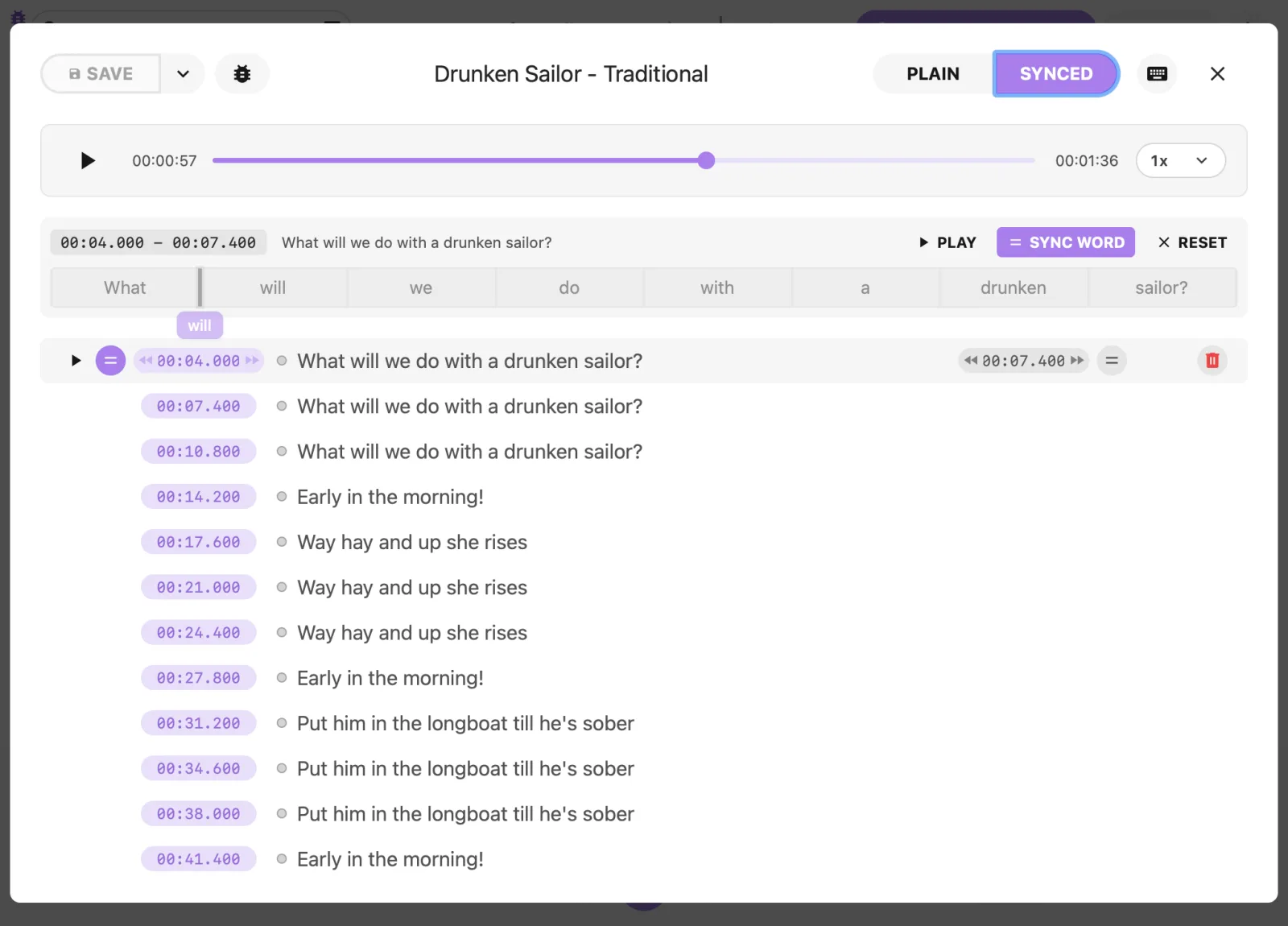
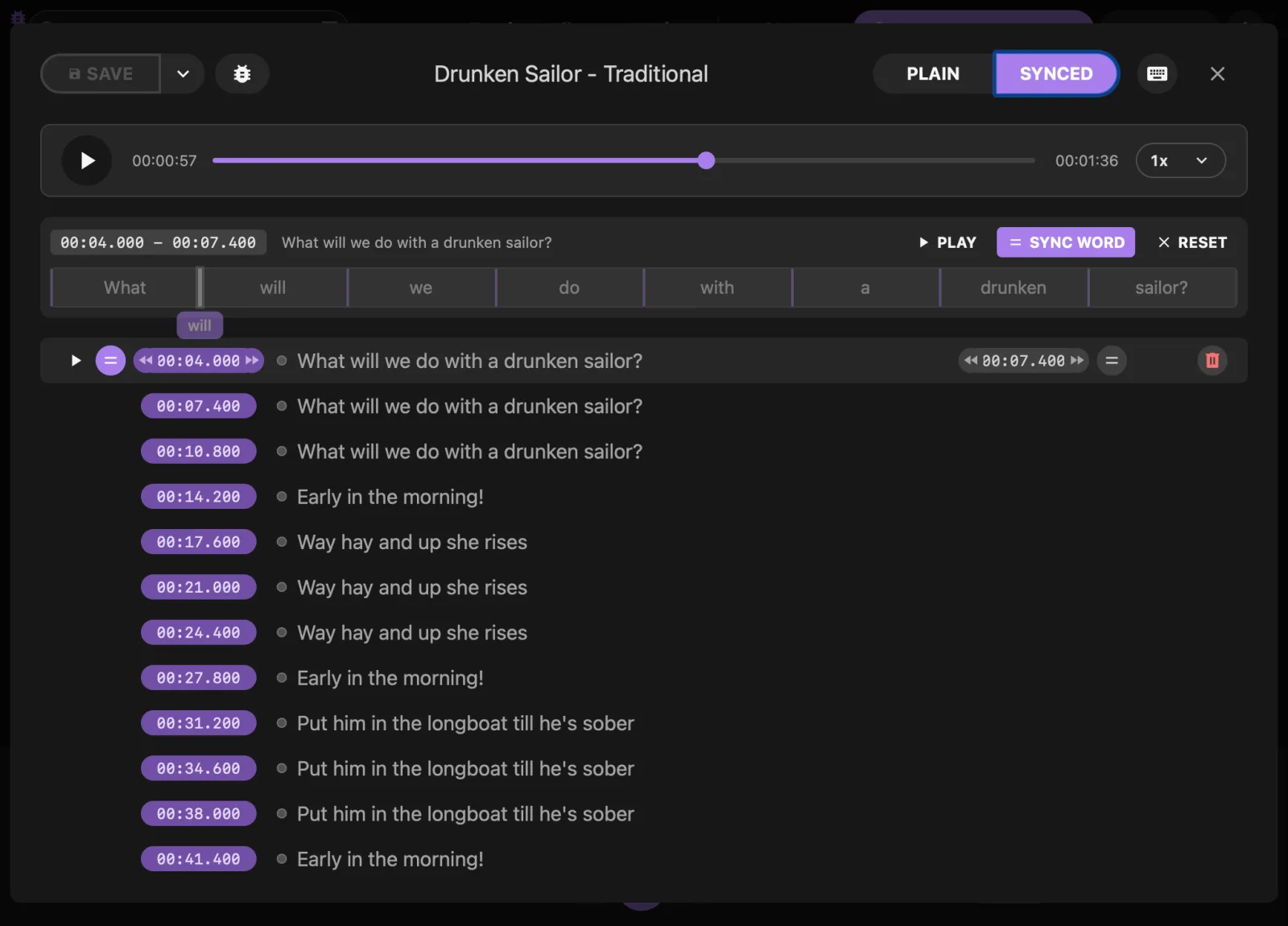
The synced lyrics editor with a timestamp on each line.The synced lyrics editor with a timestamp on each line.
Fix timing or write your own in the synced lyrics editor.
Lavender vs. LRCGET

Side by side.

Lavender has its own app ID, settings and library, so you can keep both installed.

FeatureLRCGETLavender
Lyrics from online LRCLIBWorks exactly the sameYY
Lyrics from a local LRCLIB database, offlineNY
Download and update that database in the appParallel and resumableNY
Matches tracks with messy tags (feat., remaster, several artists) *NY
Picks the best of several uploads for a song *NY
Upgrade lyrics you already have *NY
Extra sources: AMLL, Apple Music, NetEase, QQ MusicOptional, off by defaultNY
Word-synced lyrics from LRCLIB: badges, per-word highlighting, editorYY
Word-synced lyrics from the extra sources, word timestamps in .lrc exportNY
Prefers uncensored lyrics for explicit songs **NY
Pause, resume and survive a restart mid-downloadNY
Skip tracks already checked on the next run *NY
Player, editor, publishing to LRCLIB, My LRCLIBYY
Export .lrc / .txt, embed in MP3 and FLACYY

* With the local database. ** With the local database and the extra sources; results from online LRCLIB are used as is.

Export lyrics to use them in other players

Like LRCGET, Lavender saves downloaded lyrics to its own library first. Other music players only see them once they're exported as .lrc or .txt files next to your music. Check Automatically export lyrics when you download, or click Export later. Select both formats so each track gets an .lrc file when it has synced lyrics and a .txt file when it doesn't.

Download v0.1.0

Get Lavender.

Free and open source. Pick the file for your system. Every download comes straight from the GitHub release. On a Mac, you can also install and update it with Homebrew.

macOS

Apple silicon or Intel

Or with Homebrew

brew install --cask iamprivacy/lavender/lavender

Picks the Apple silicon or Intel build for you. Update with brew upgrade --cask lavender. About the tap

Not code signed yet: open the app once, then click Open Anyway in System Settings > Privacy & Security.

Windows

Windows 10 and 11, x64

Not code signed yet: if SmartScreen warns you, click More info, then Run anyway. Needs Microsoft WebView2, which ships with Windows 10 and 11.

Linux

x86_64

No sound? Install pipewire-alsa, for example sudo apt install pipewire-alsa.

Check your download

Every release ships a signed SHA256SUMS file, and the release notes list each file's hash and how to check it. The other files on a release (.sig, .app.tar.gz, latest.json) are used by the in-app updater.

Installing the Flatpak

Install the bundle just for your user:

flatpak install --user Lavender*.flatpak
Thank you

Built on LRCGET and LRCLIB.

Lavender wouldn't exist without tranxuanthang, who created LRCGET and LRCLIB. LRCLIB is the open lyrics library behind every lookup, and its whole database is shared freely as a dump. If Lavender is useful to you, think about sponsoring tranxuanthang or adding lyrics to LRCLIB.

If you'd like to help keep Lavender going, a star on GitHub goes a long way. You can also buy me a coffee.